ACI L4-7 Service Insertion: Service Graph Mgmt Modes
Table of Contents
There are three ways to manage L4-7 services when we use service graphs. So if no service graph is inserted, we do not talk about these management modes!
[!Abstract] Unless otherwise specified, when Service Graphs are mentioned, then I am referring to the Unmanaged Mode.
Service Graph in Managed Mode (deprecated concept)#
aka Service Policy mode: horizontal integration; requires a Device Package.
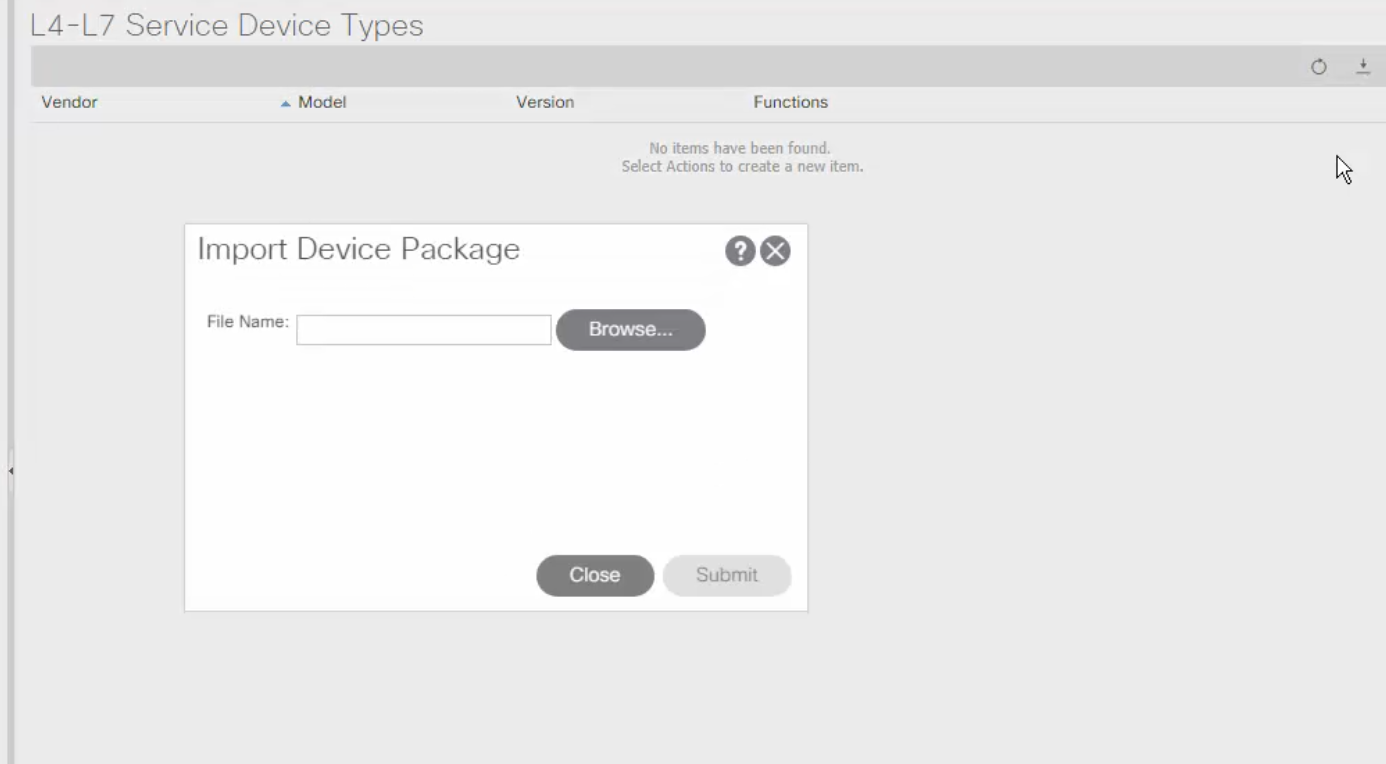
Device Package#
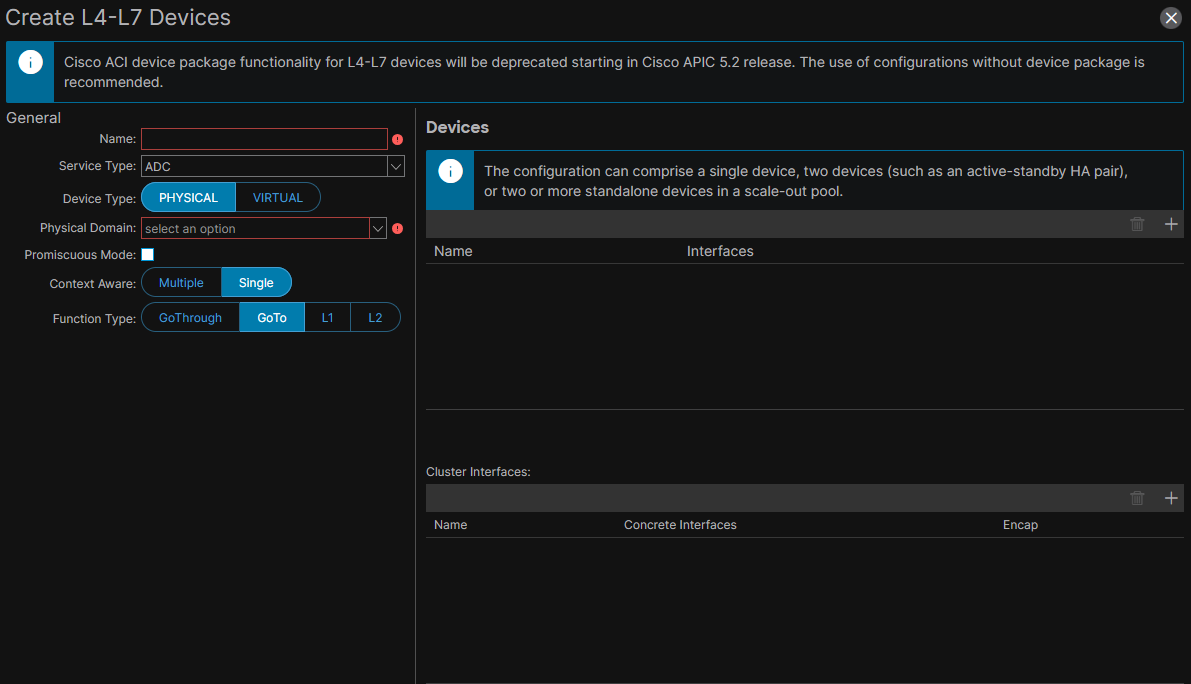
adding a Device Package#
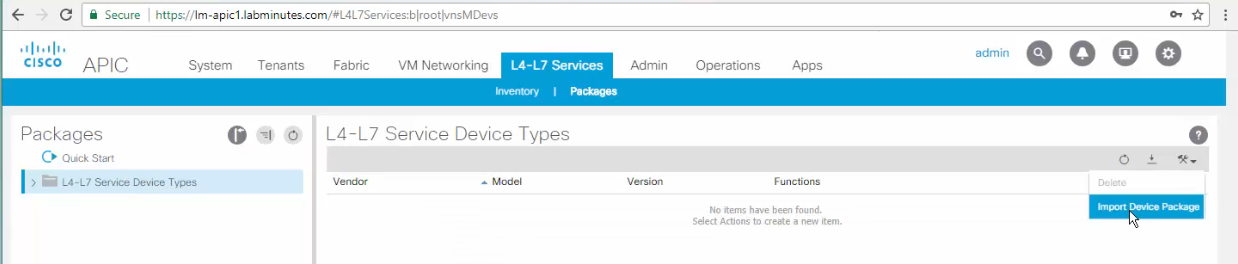
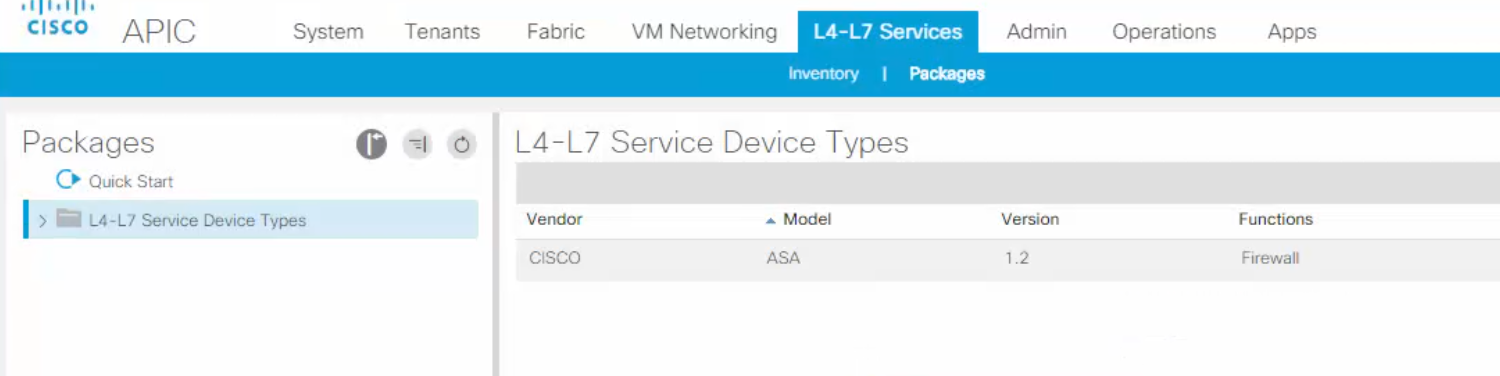
Where to invoke the Device Package#
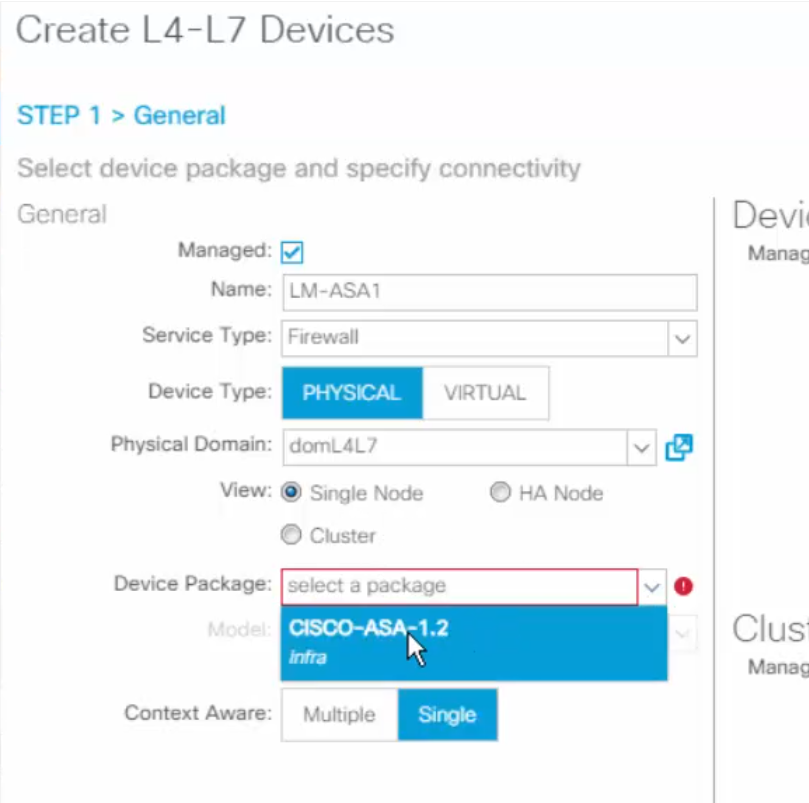
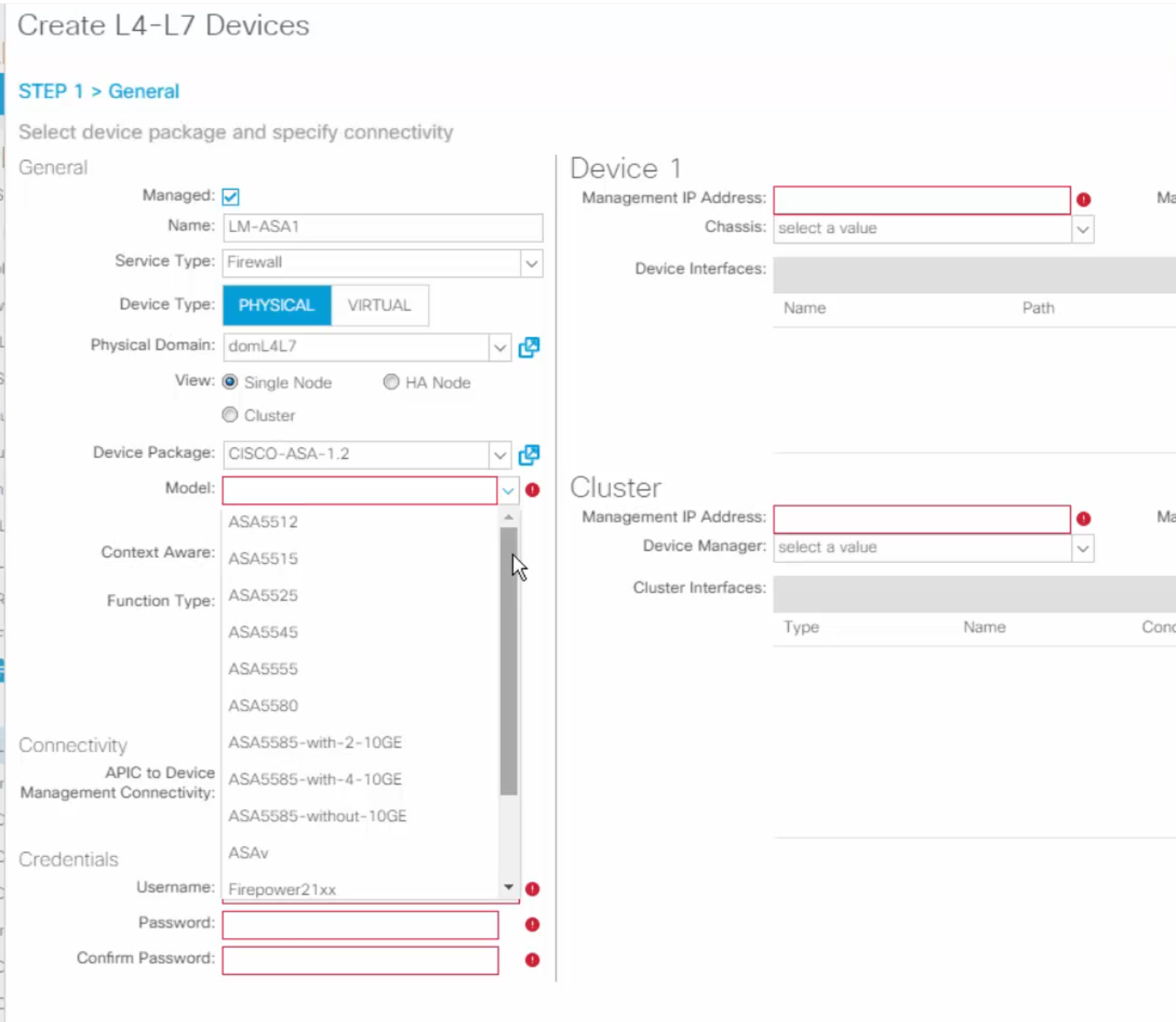
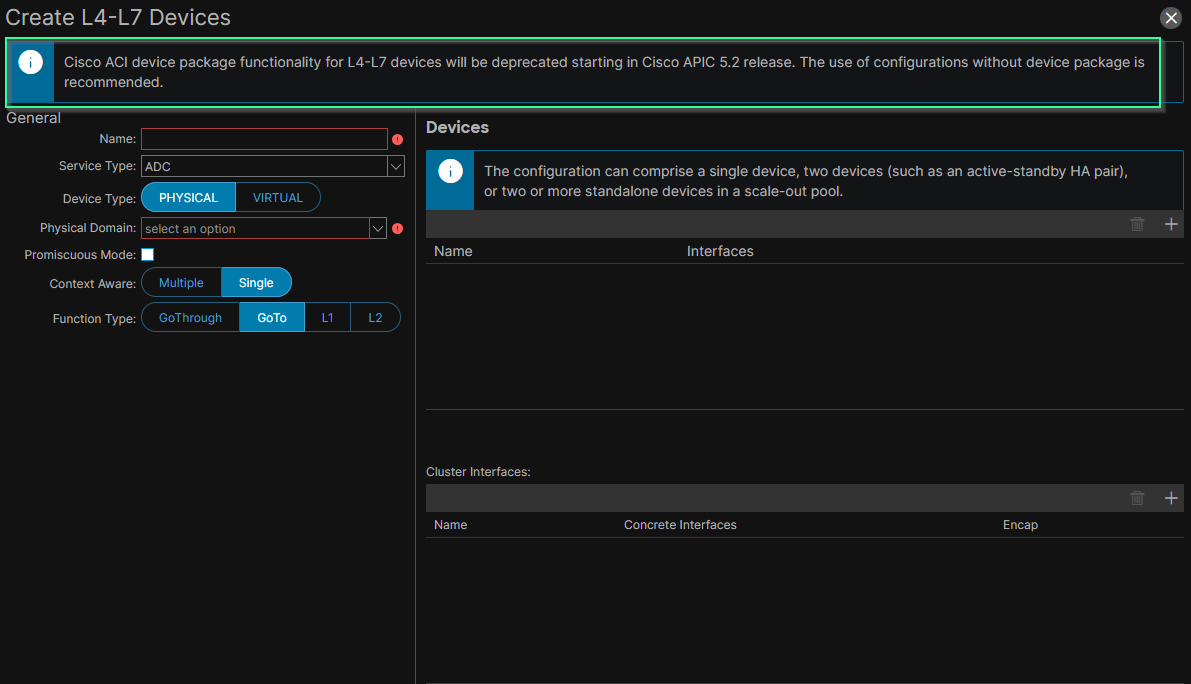
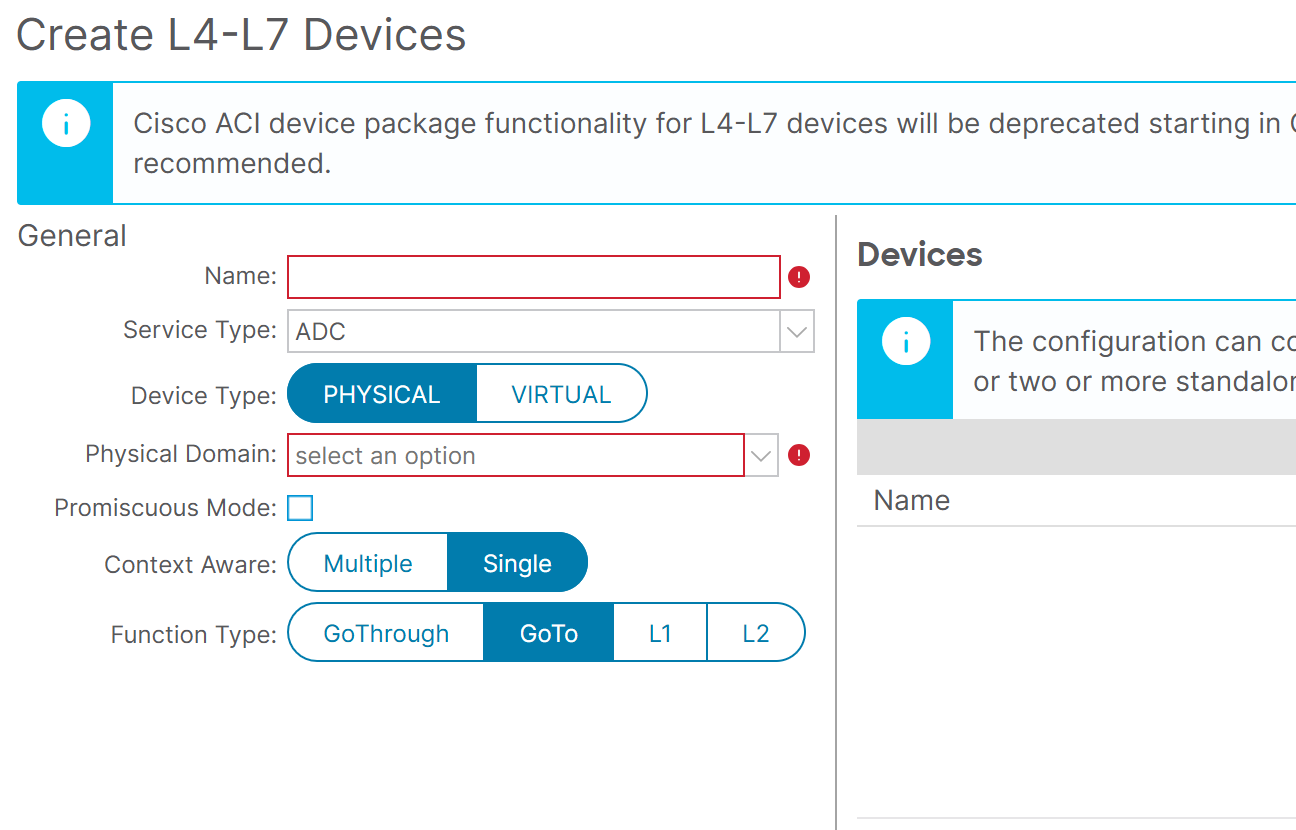
[!Warning] Cisco changed its strategy and #ciscoNOTrecommends using the Managed Mode anymore; Thus, the concept of Device Packages is #ciscoNOTrecommends anymore. > The button to set the L4-7 Device to ‘managed’ has been removed from the GUI:
Before ACI 5.2:
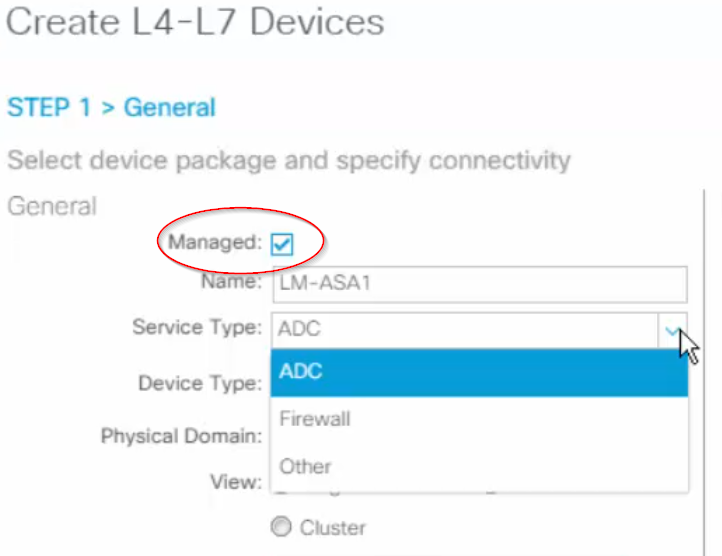
After ACI 5.2:
Service Graph in Hybrid Mode (deprecated concept)#
aka Service Manager mode; requires a device package, which is a deprecated concept.
Service Graph in Unmanaged Mode#
is a Service Graph where the node is added using network-stitching, thus the name Service Graph in network-stitching-only mode.
💢 Service Graph in network-stitching-only mode != L4-7 Service Insertion in network stitching mode.
aka Service Graph in network policy mode.
ACI does not manage/configure the Service Device; It is managed ‘out-of-band’ like with Cisco FMC for Cisco FTD or Panorama for Palo Alto firewalls.