How to Reload Your Cisco Router While Asleep
Table of Contents
There are times when you want to schedule a router reload, but you don’t want to stay late or come to the office during weekends. “Reload at” is your friend.
How to reload your router at a predefined time#
You want to reload your router (or switch) at 7pm, but at the same time, you’ll be having a coffee with your friend and you don’t want to have this discussion: “- Sorry guys, I have a router to reboot. I’ll be back in 30mn.
- What is a router?
- Well, a router is..I’ll explain that to you later!”
Solution: the reload at command.
 Pay attention that you have to have correct time set on the device. do a show clock on your device and compare the time with what you have on your wrist watch, if you still wear any :)
Having a reason to reload#
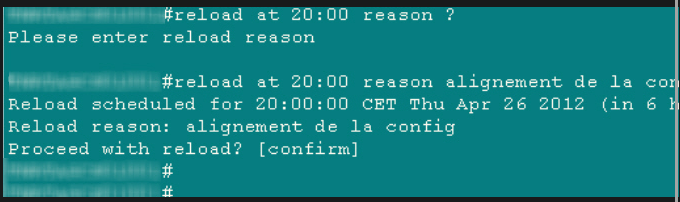
You may want to add a reason for your reload, in the command line. It can be done in the following way:
Displaying scheduled reloads#
It’s possible to schedule multiple reloads per device, by issuing many reload at commands.

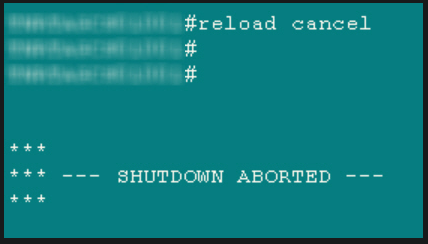
What if you want to cancel the reload?#
no problemo, simply do a reload cancel and it will cancel all scheduled reloads.