In this tutorial we’ll learn :
- How to push an IOS image into a switch flash disk, using Cisco LMS,
- How to verify that the IOS image has been loaded correctly
Pushing the IOS image
-
On the LMS home page, click on the Resource Manager Essentials link.
-
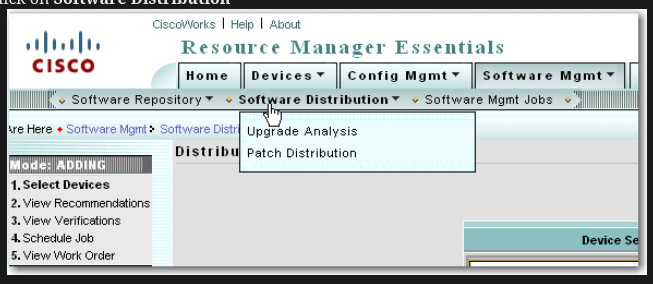
Click on Software Distribution
-
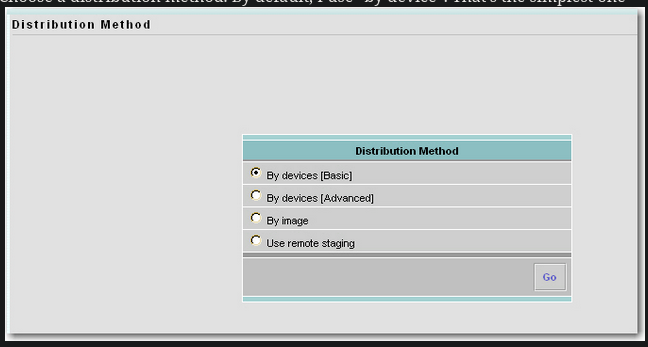
Choose a distribution method. By default, I use “by device”. That’s the simplest one
-
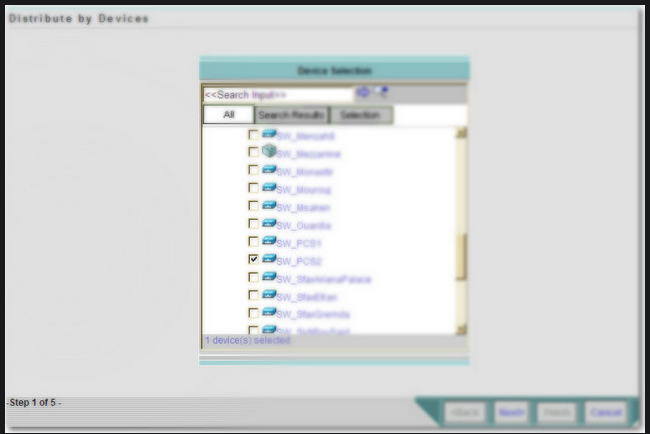
Check the device for which you want to upgrade the IOS and click Next