In this tutorial we’ll learn :
- How to push an IOS image into a switch flash disk, using Cisco LMS,
- How to verify that the IOS image has been loaded correctly
Pushing the IOS image
-
On the LMS home page, click on the Resource Manager Essentials link.
-
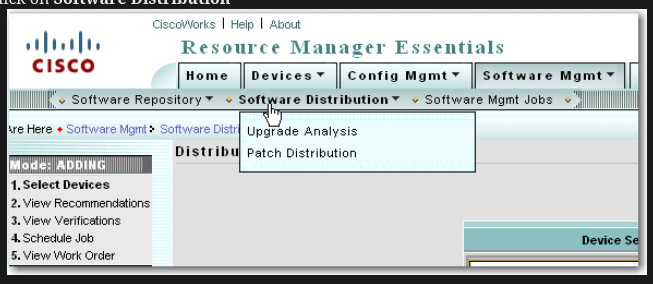
Click on Software Distribution
-
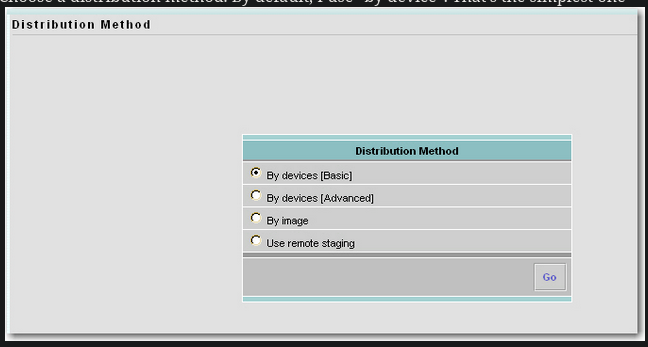
Choose a distribution method. By default, I use “by device”. That’s the simplest one
-
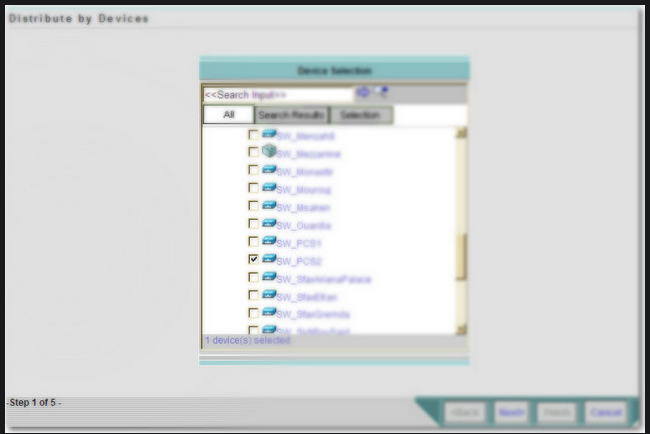
Check the device for which you want to upgrade the IOS and click Next
 Troubleshooting
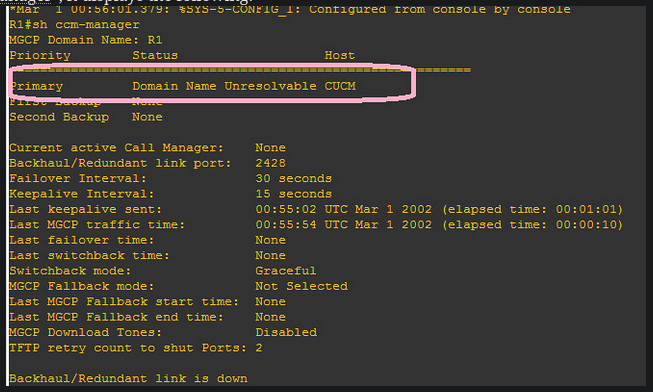
I first thought about an issue about DNS on CUCM. I remembered that, during the CUCM installation, I put CUCM somewhere.
So I went to every corner of CUCM admin pages, where I could find the “CUCM” keyword.
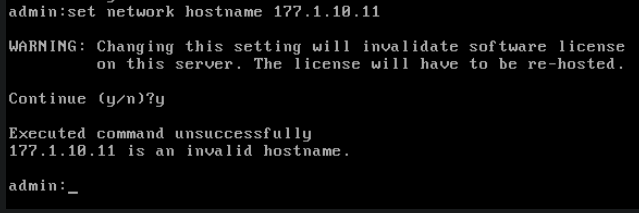
I changed some settings in Entreprise Parameters. I even tried to change the hostname under the CUCM CLI mode:
Troubleshooting
I first thought about an issue about DNS on CUCM. I remembered that, during the CUCM installation, I put CUCM somewhere.
So I went to every corner of CUCM admin pages, where I could find the “CUCM” keyword.
I changed some settings in Entreprise Parameters. I even tried to change the hostname under the CUCM CLI mode:
 Then, I examined what’s happening at the router level, with “debug mgcp events”. I noticed this line:


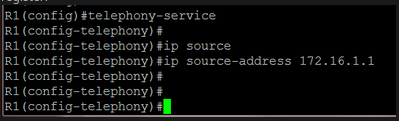
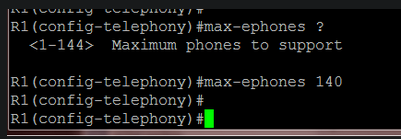
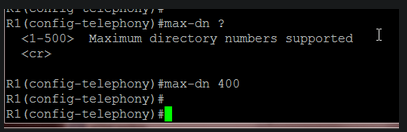 Later, I will change these values because my router lacked memory resources.
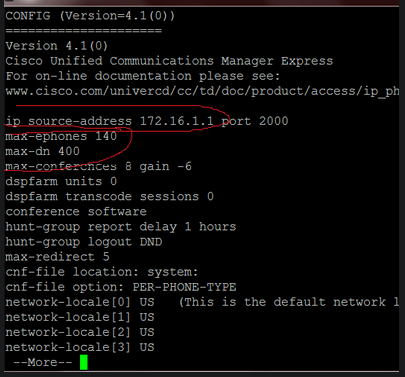
To verify the aforementioned settings:
Later, I will change these values because my router lacked memory resources.
To verify the aforementioned settings:
 Let’s create our first ephone-dn:
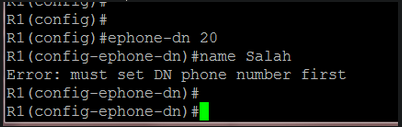
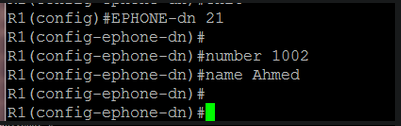
 At this point, my router displayed an error message indicating a lack of memory. I increased its memory size in GNS3:
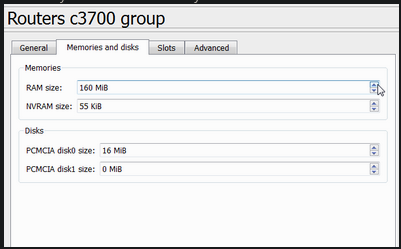 After a reload, things went ok
I also reduced the max-ephone and max-dn values:
After a reload, things went ok
I also reduced the max-ephone and max-dn values:
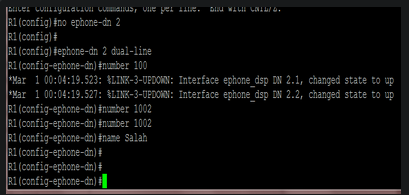
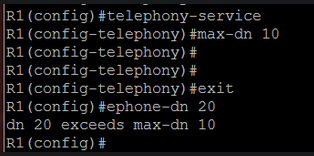 Now we can add ephone-dns without problems:
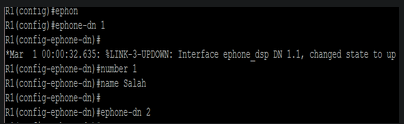 When I create a dual-line ephone-dn, two “sub-ephone-dn” are created:
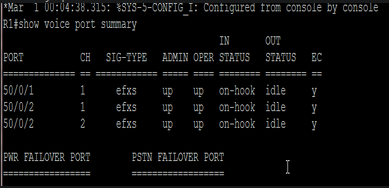
 To verify ephone-dns:
 another way to verify it:
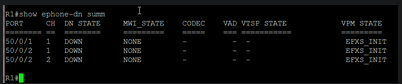 Notice that there are two channels for ephone-dn 2, which is a dual-line ephone-dn.